What's new in Silvane 0.9.16: folders inside folders
Folders inside folders, three levels deep, one folder picker for every move, and selecting several at once. In the app, on the web and through MCP.
Silvane 0.9.16 is about folders.
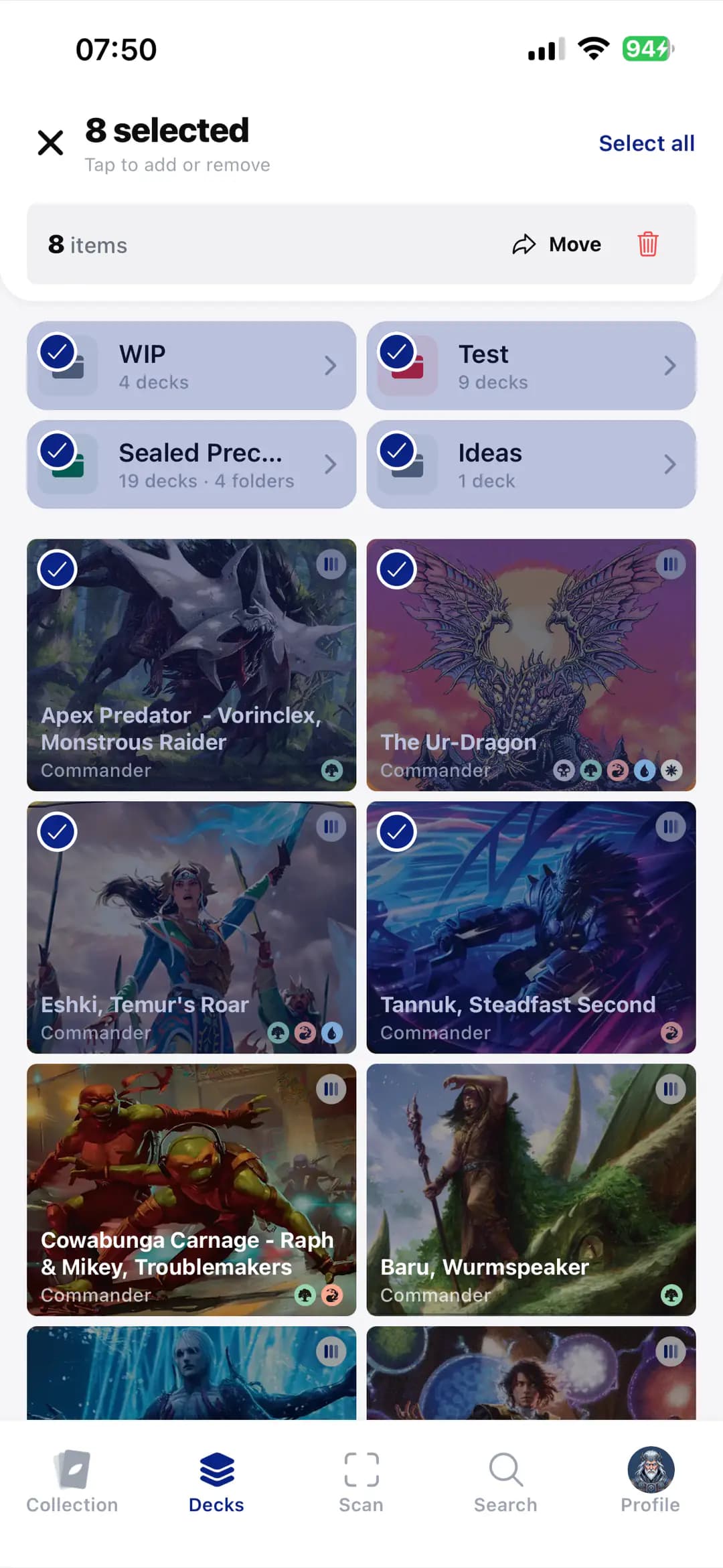
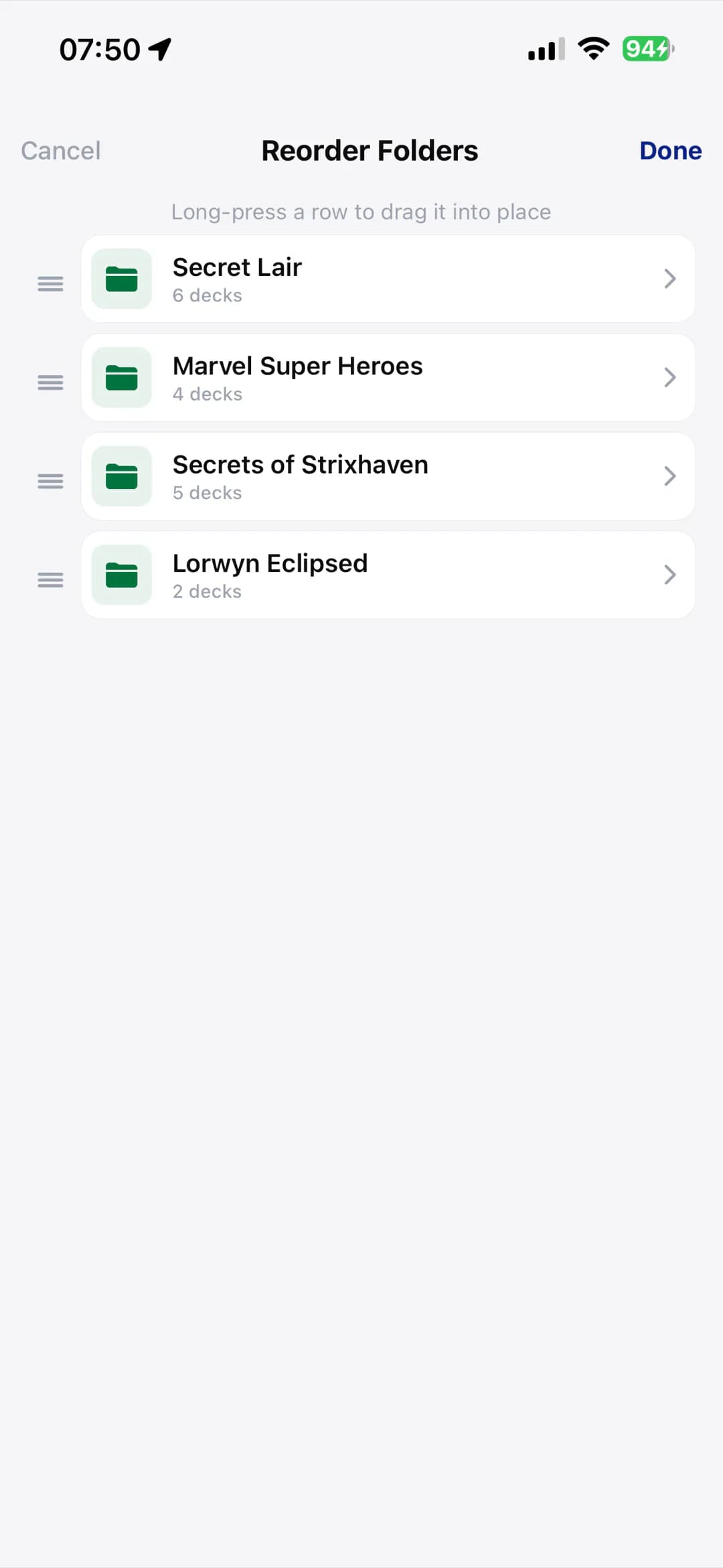
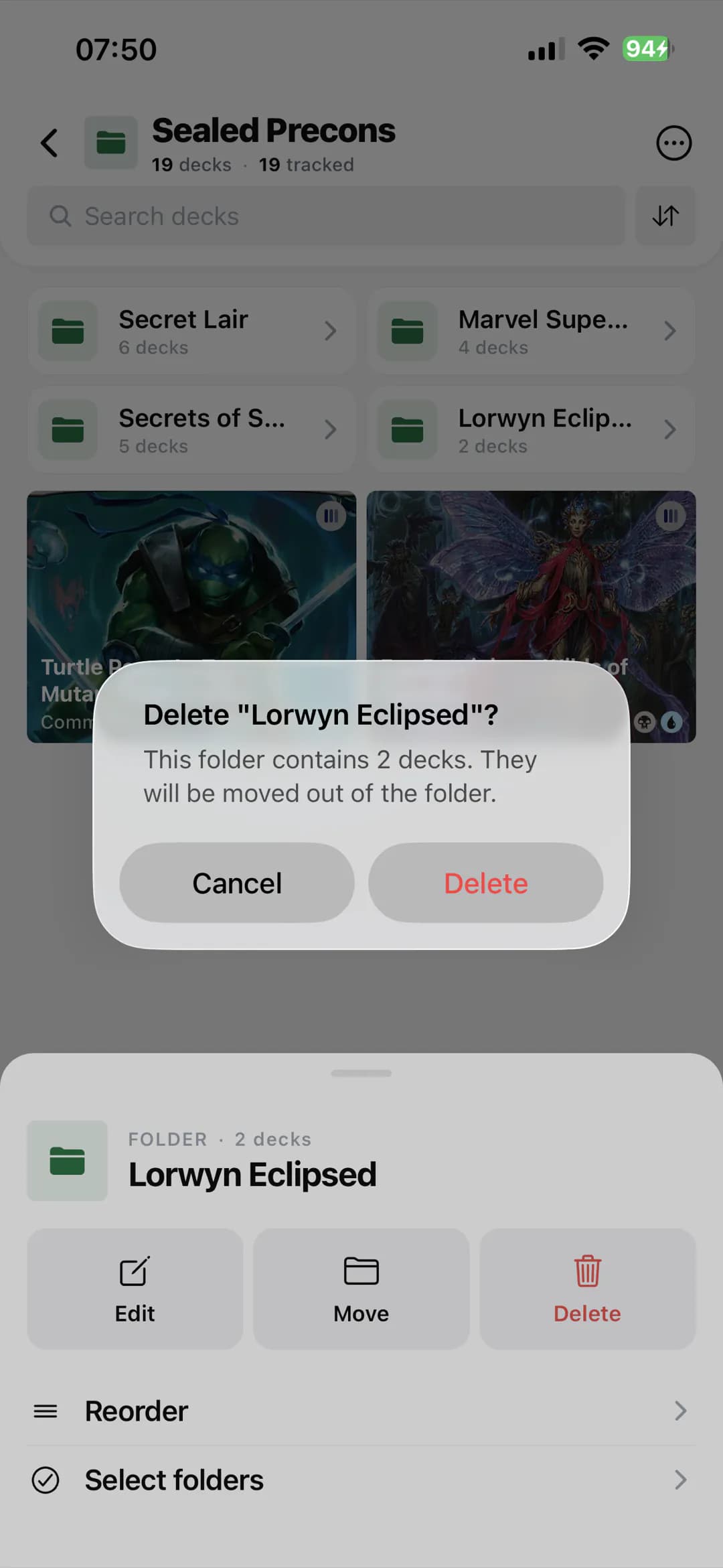
A folder can now hold folders of its own kind, three levels deep, for binders, lists, decks and views. One folder picker handles every move, you can select several things and move or delete them together, and silvane.app and your AI work with the same folders.
Here is all of it, step by step.
Folders inside folders
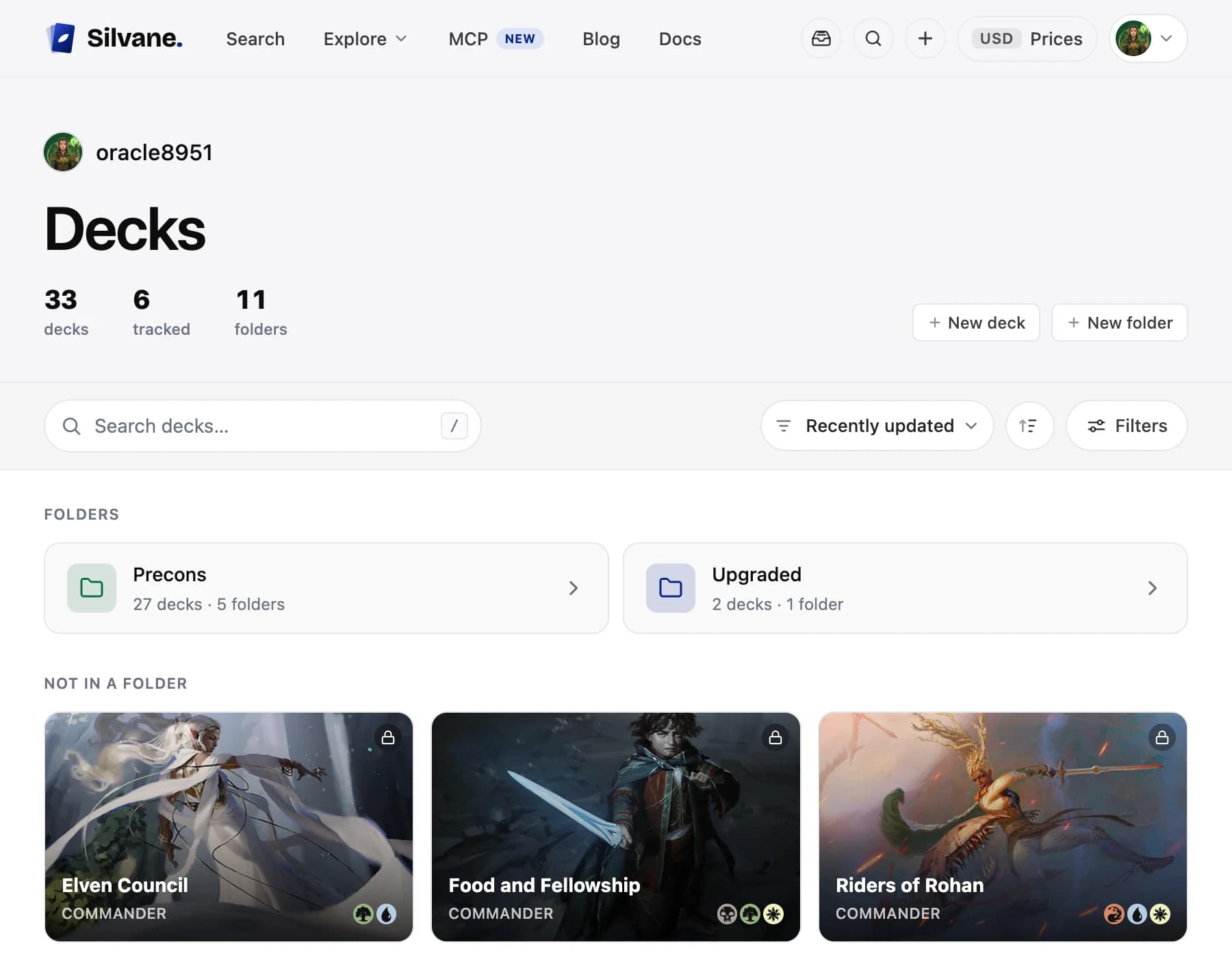
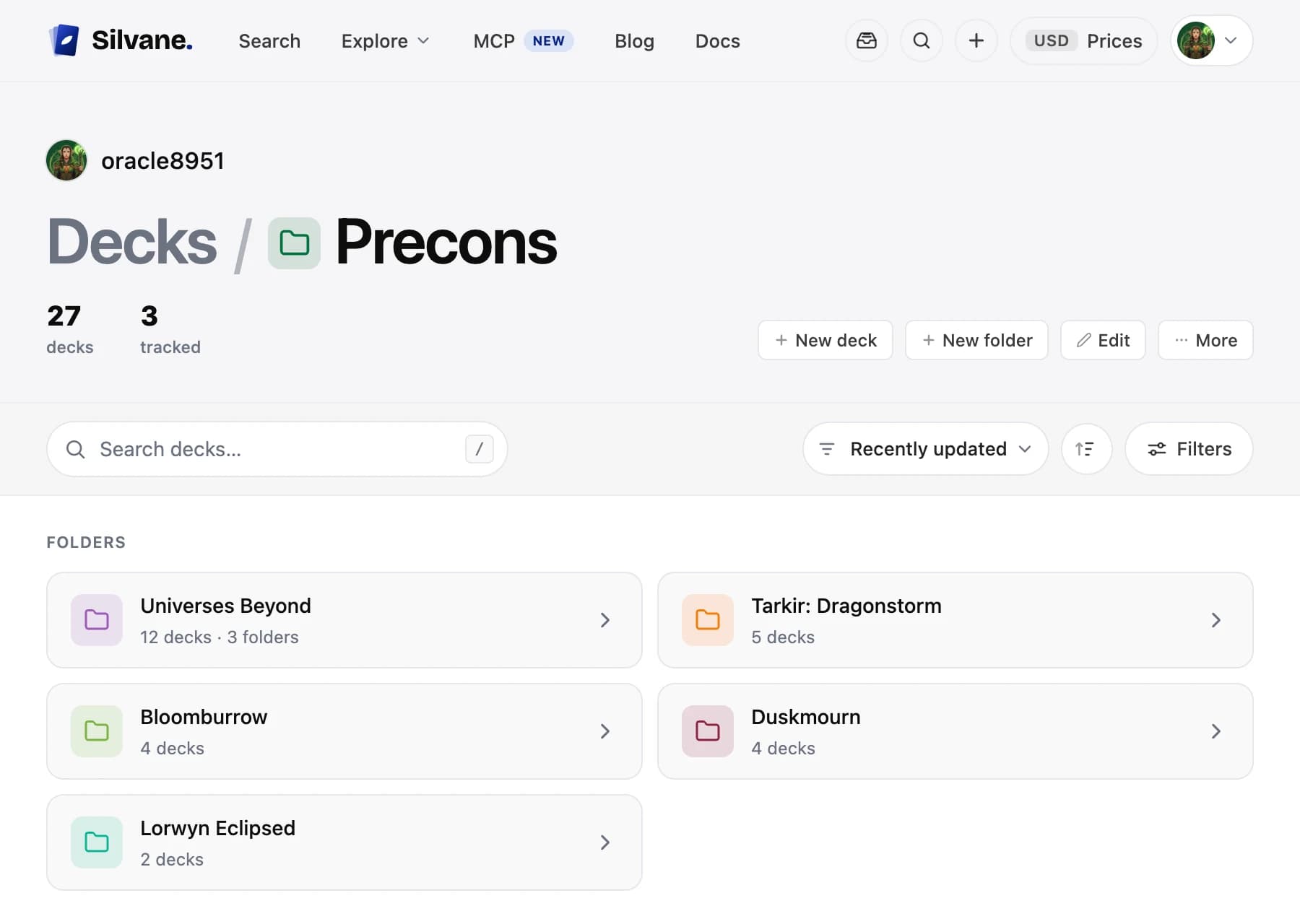
A binder folder holds binder folders, a list folder holds list folders, and the same goes for decks and views: a folder, a folder inside it, and one more inside that. Watchlist folders stay at one level.
A folder's row counts everything inside it, at every level, and says how many folders sit directly inside it.
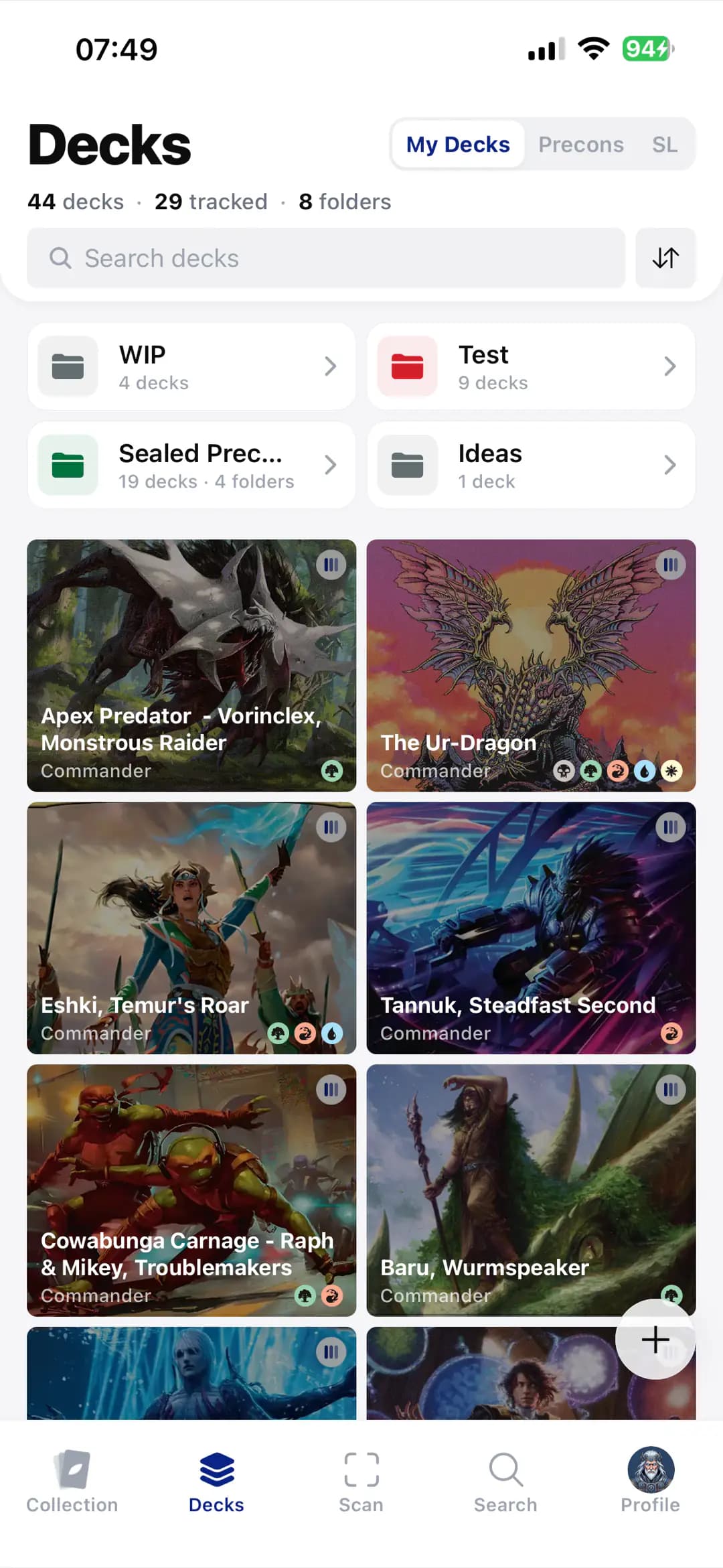
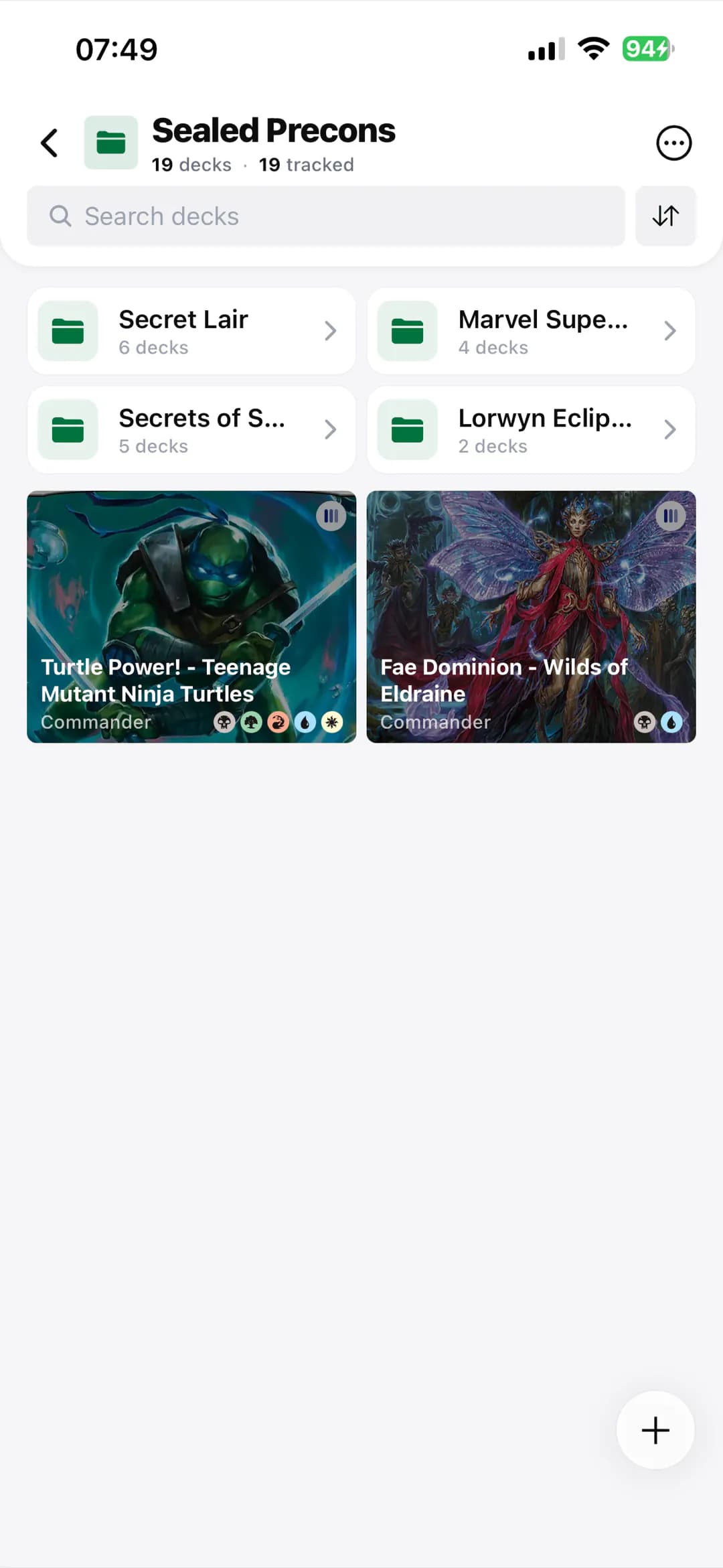
Open a folder and its folders come first. Inside a folder that sits in another one, the folders above it are named over the title.
To make a folder inside another, open the outer one. In a deck or view folder, the button at the bottom creates a deck, a view or a folder in it. In a binder or list folder, the + in its header does. A folder of the third level only takes binders, lists, decks or views.
One folder picker for every move
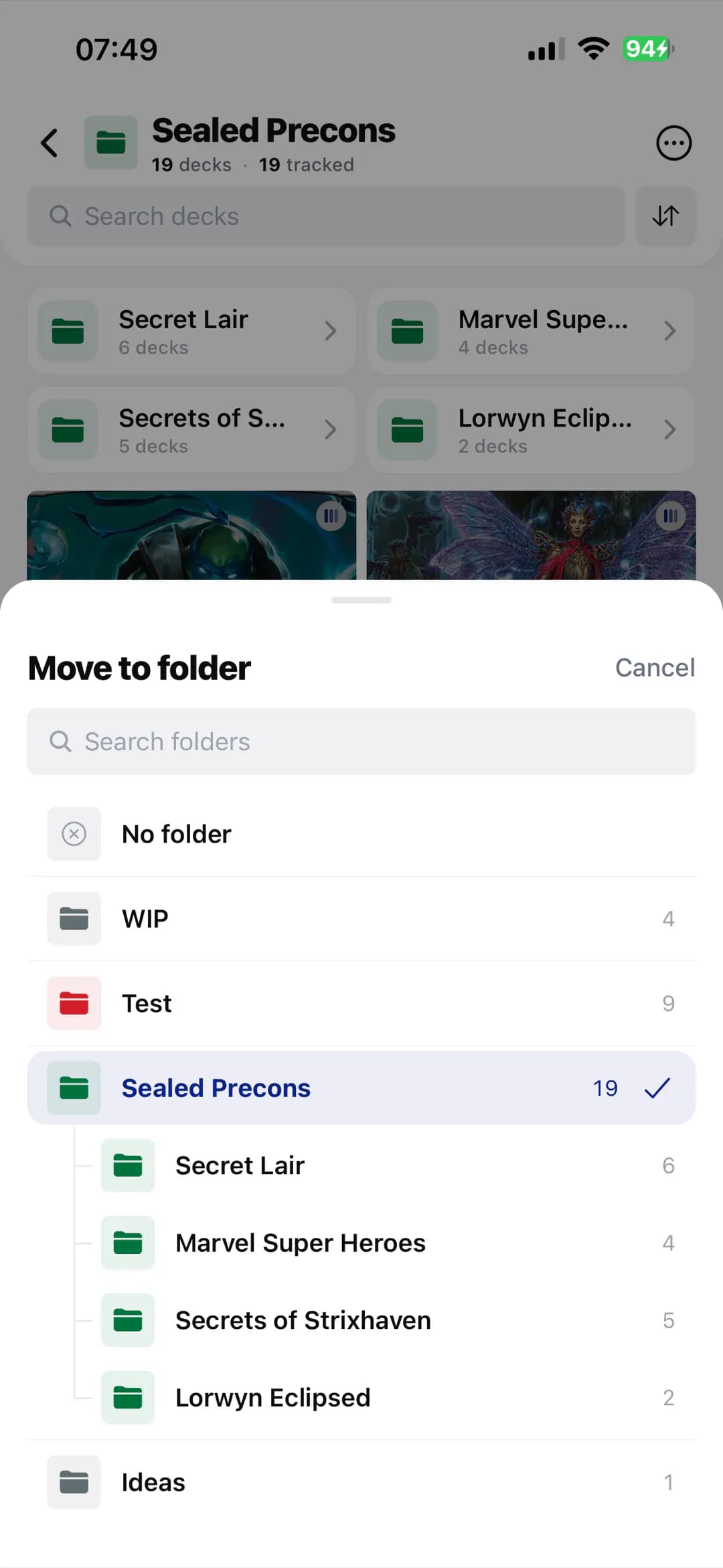
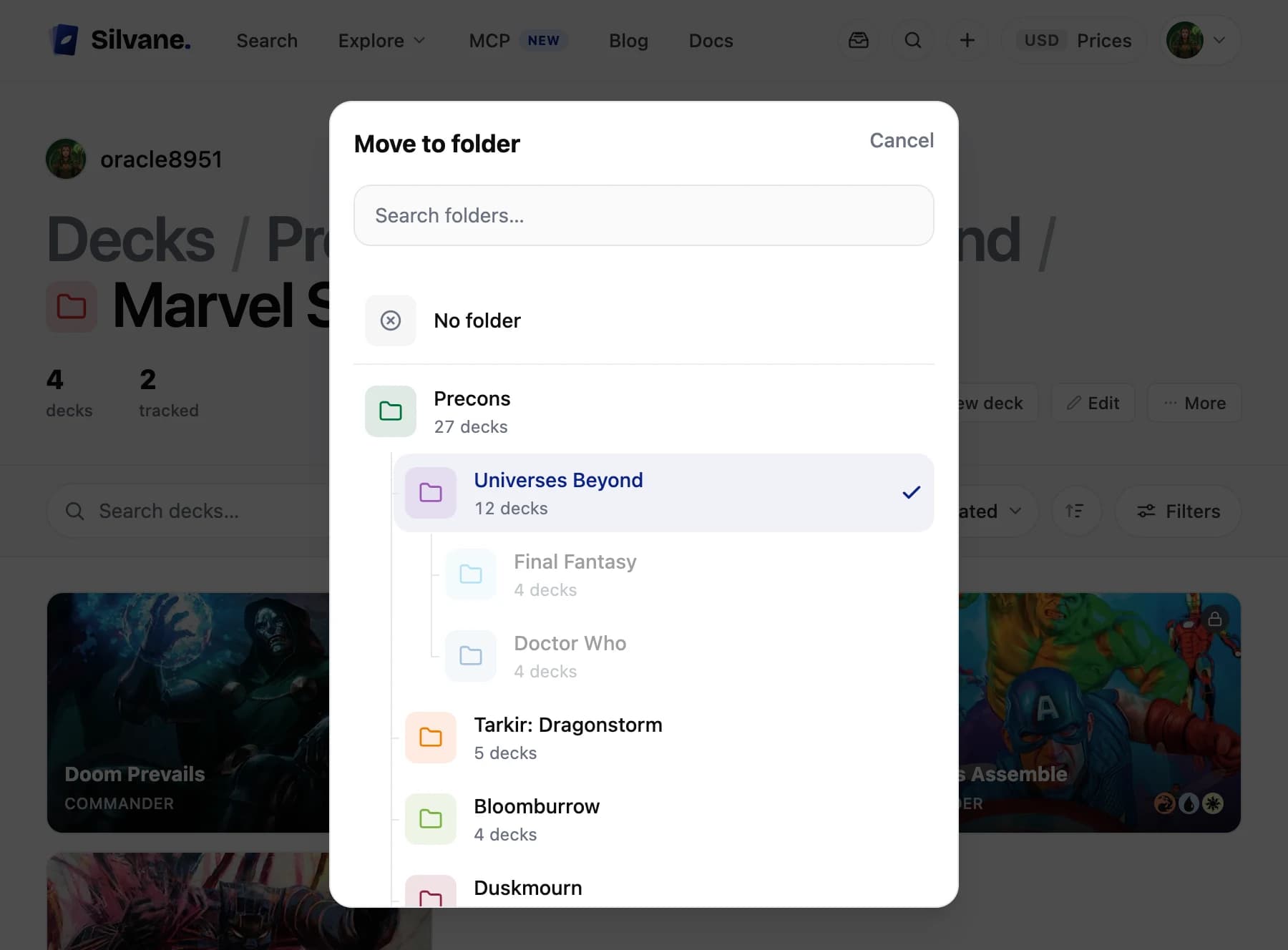
Press and hold a binder, a list, a deck, a view or a folder and tap Move. The picker has a search field, at the top, your folders drawn as a tree with how much each one holds, and a mark on where the thing is today. Tap a folder and it moves. takes it out.

Written by
Adrian GomezFounder of Silvane
Adrian spent twenty years building software for companies around the world, and still, his favorite day of the week is Thursday, because Thursday is Commander night. Silvane started as the collection tracker he built for his own cards, one Thursday at a time. He writes about the market with the same data that powers the app.